Bowmore77 Account Verification: What New Players Need to Know
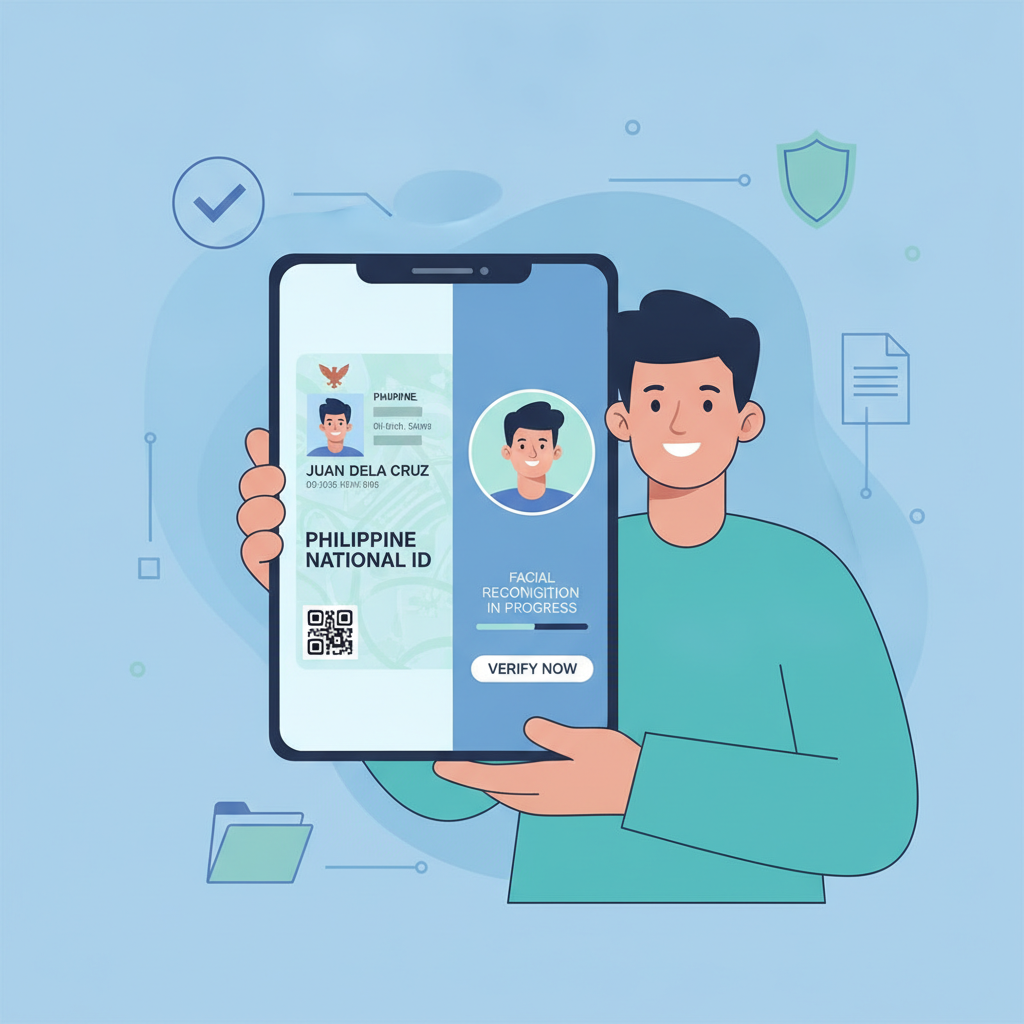
Why Bowmore77 Asks for ID Verification
After you complete Bowmore77 register, the platform will ask you to verify your account. This is a standard security step that online casinos and sportsbooks use to confirm two important things: that you are at least 21 years old, and that the account belongs to you.
Bowmore77 uses verification to prevent unauthorized access, protect player accounts from fraud, and meet regulatory expectations for age checks. Without verification, someone could register using another person's details or open multiple accounts. The process helps keep the platform safer for everyone.
New players in the Philippines should expect to submit documents before they can make their first withdrawal. Some players can make a deposit and play before verification is complete, but Bowmore77 will require approval before processing any payout.
Which Documents Are Accepted
Bowmore77 typically asks for three types of documents during the verification process:
Government-issued ID: You need to submit one valid photo ID that shows your full name, date of birth, and photo. Accepted IDs usually include:
- Philippine passport
- Driver's license
- UMID (Unified Multi-Purpose ID)
- Postal ID
- SSS ID
- PhilHealth ID
- Voter's ID
- PRC ID (for licensed professionals)
The ID must be current and not expired. School IDs, company IDs, and barangay certificates are generally not accepted because they do not meet government-issue standards.
Selfie or Photo Verification: Bowmore77 may ask you to take a selfie holding your government ID next to your face. This confirms that the person in the ID photo matches the person registering the account. The selfie should be clear enough to read the ID details and see your face without obstruction.
Proof of Address (sometimes required): In some cases, Bowmore77 may request a recent document that shows your name and current address in the Philippines. This can include:
- Utility bill (electricity, water, internet) from the last three months
- Bank statement
- Government correspondence
Not every new player is asked for proof of address right away. If Bowmore77 needs it, support will notify you during the verification review.
How to Upload Documents Through the Mobile Site or App
Most Filipino players access Bowmore77 on mobile, so the upload process is designed to work smoothly on Android phones.
Step 1: Log In to Your Account
After you Bowmore77 register and create your account, visit the Bowmore77 login page and sign in with your username and password.
Step 2: Go to the Verification or Profile Section
Look for a menu option labeled "Account," "Profile," or "Verification." The exact name can vary, but it is usually found in the main menu or account settings. Bowmore77 may also send a prompt or notification asking you to verify your account when you log in for the first time.
Step 3: Select the Document Type
You will see fields for uploading your government ID, selfie, and (if required) proof of address. Tap the upload button next to each document type.
Step 4: Take a Photo or Choose from Your Gallery
If you are using the Bowmore77 app or mobile site, you can take a photo directly with your phone camera or select an existing image from your gallery. Make sure:
- The entire ID is visible within the frame
- Text and photo are sharp and readable
- There is no glare or shadow covering important details
- The file size is not too large (usually 5 MB or less per image)
For the selfie, hold your ID next to your face and ensure both are clearly visible in a single shot.
Step 5: Submit Your Documents
After uploading all required files, tap "Submit" or "Send for Review." You should see a confirmation message that your documents have been received.
Keep your phone charged and check your Bowmore77 account or registered email for updates. If any document is unclear or missing information, support may ask you to re-upload.
How Long Verification Takes and What to Expect
Bowmore77 account verification usually takes between 24 and 72 hours. Processing time depends on the volume of requests and the completeness of your documents.
What happens during the review:
- A member of the Bowmore77 support team checks that your ID is valid and matches your registration details
- They confirm your age is 21 or older
- If a selfie is required, they verify that the person in the photo matches the ID
- Any proof of address is cross-checked with your account information
How you will be notified:
Bowmore77 typically sends an email or in-app notification once your account is verified. You may also see a status update when you Bowmore77 login and check your profile.
If there is a problem—such as a blurry photo, an expired ID, or a mismatch in details—support will contact you with instructions to resubmit. Respond promptly to avoid delays.
During busy periods (weekends, holidays, or after major sporting events like PBA finals or NBA playoffs), verification may take slightly longer. If you have not heard back after three days, you can contact Bowmore77 support through live chat or email to check the status.
What You Can and Cannot Do Before Verification Is Complete
Bowmore77 allows some activities before your account is fully verified, but certain features are restricted until approval.
What you can usually do:
- Bowmore77 login and explore the lobby
- Browse slots, jackpot games, live dealer tables, and sports betting markets
- Make your first deposit using GCash, Maya, or bank transfer (InstaPay or PESONet)
- Place bets on PBA, NBA, volleyball, and other sports
- Play slots, jackpots, and live casino games
Bowmore77 generally lets new players deposit and play with a typical deposit of PHP 100 to PHP 500 before verification is finished. This allows you to get started while your documents are under review.
What you cannot do:
- Withdraw winnings until your account is verified
- Change certain account details (such as name or birthdate) after submission
- Claim some bonuses or promotions that require full verification
If you try to request a payout before verification, Bowmore77 will prompt you to complete the document upload first. No withdrawal will be processed until your identity is confirmed.
This policy protects both the player and the platform. It ensures that funds are paid to the correct person and prevents fraudulent transactions.
21+ Requirement and Responsible Gambling Reminder
Bowmore77 is open only to players who are 21 years of age or older. By completing the Bowmore77 register process and submitting your ID, you confirm that you meet this requirement. Anyone found to be underage will have their account closed and any winnings forfeited.
Online casino games, sports betting, and live dealer tables should be enjoyed as entertainment, not as a way to make money. Set a budget before you play, never deposit more than you can afford to lose, and take breaks if gambling stops being fun.
If you ever feel that betting is becoming a problem, Bowmore77 offers tools such as deposit limits and self-exclusion. Reach out to support if you need help managing your account.
This guide is an independent resource for Filipino players interested in Bowmore77. It is not operated or endorsed by Bowmore77. Always verify current policies and procedures on the official Bowmore77 site or with their customer support team.